
Dear Valued Customer,
We’ve rolled out several upgrades to improve proxy management, refresh reliability, and overall usability in your client area. Here’s what’s new:
When your service invoice is paid, proxy refresh eligibility is automatically restored for that proxy service. This removes the need for extra manual steps to regain refresh access after payment. No support ticket needed, it's automatic!
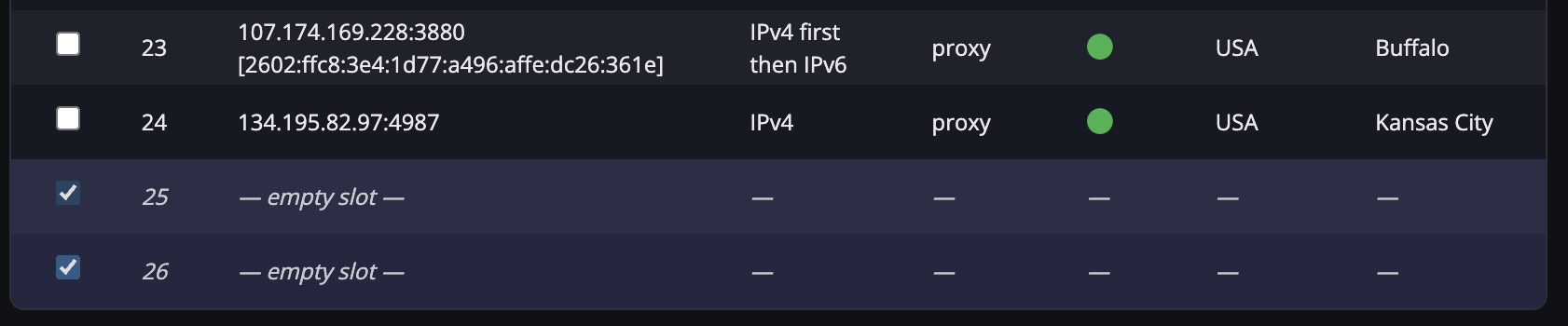
If your plan includes more proxies than are currently assigned, you’ll now see blank placeholder rows in the proxy table. You can select one or more empty slots and click Refresh Selected Proxies to automatically assign new proxies into those slots.
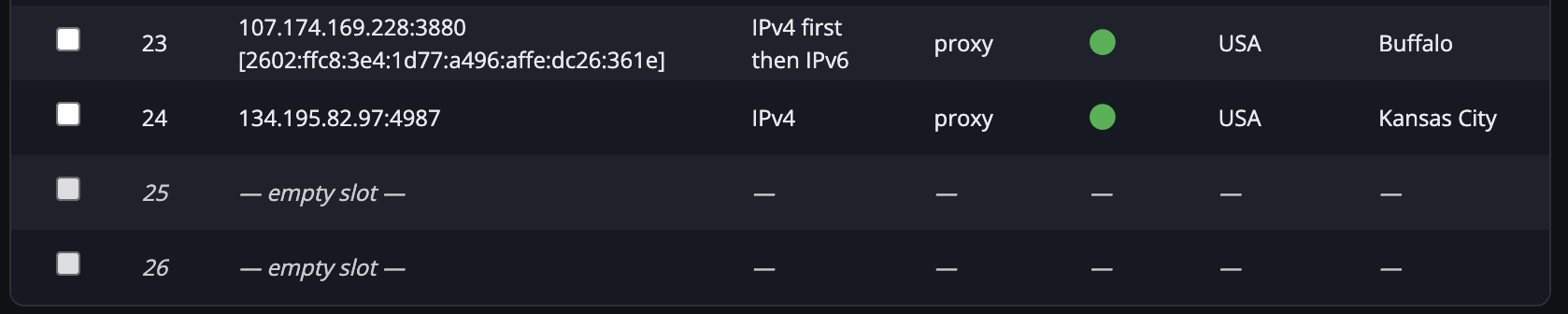
We improved the status indicators above the proxy table so you can quickly understand:
how many proxies are assigned vs included with your plan, and
whether you have additional proxies currently eligible for refresh.

Selecting proxies is now more user-friendly with a row highlight effect when checkboxes are checked, making it easier to see which proxies you’ve selected before submitting a refresh.
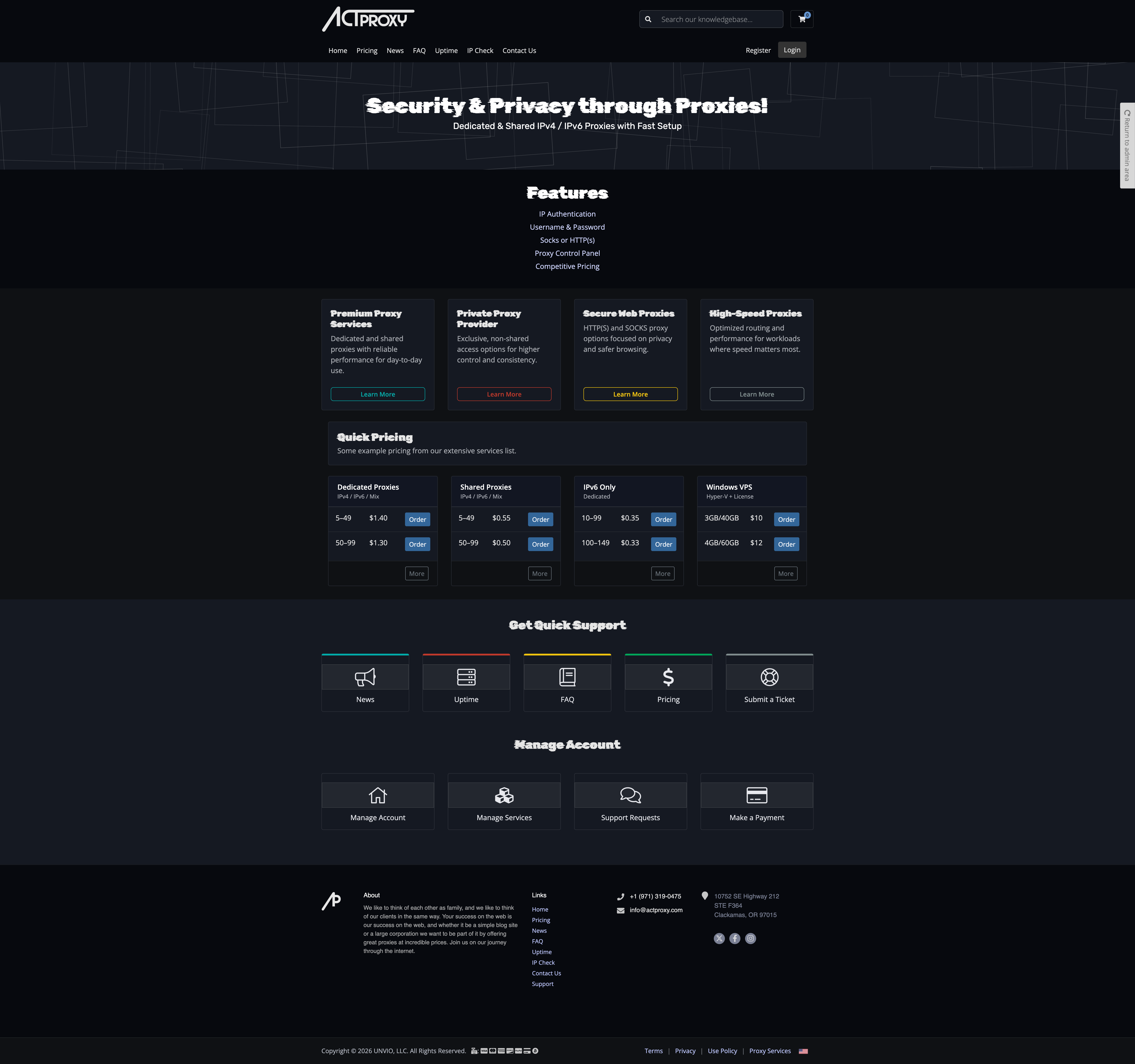
Give your eyes a rest and check out the brand new dark theme at actproxy.com.
If you have any questions or want help using the new features, just open a support ticket from your client area and we’ll help you out.
Thank you,
ActProxy Support Team

We like to think of each other as family, and we like to think of our clients in the same way. Your success on the web is our success on the web, and whether it be a simple blog site or a large corporation we want to be part of it by offering great proxies at incredible prices. Join us on our journey through the internet.